SonarQube Plugin Overview
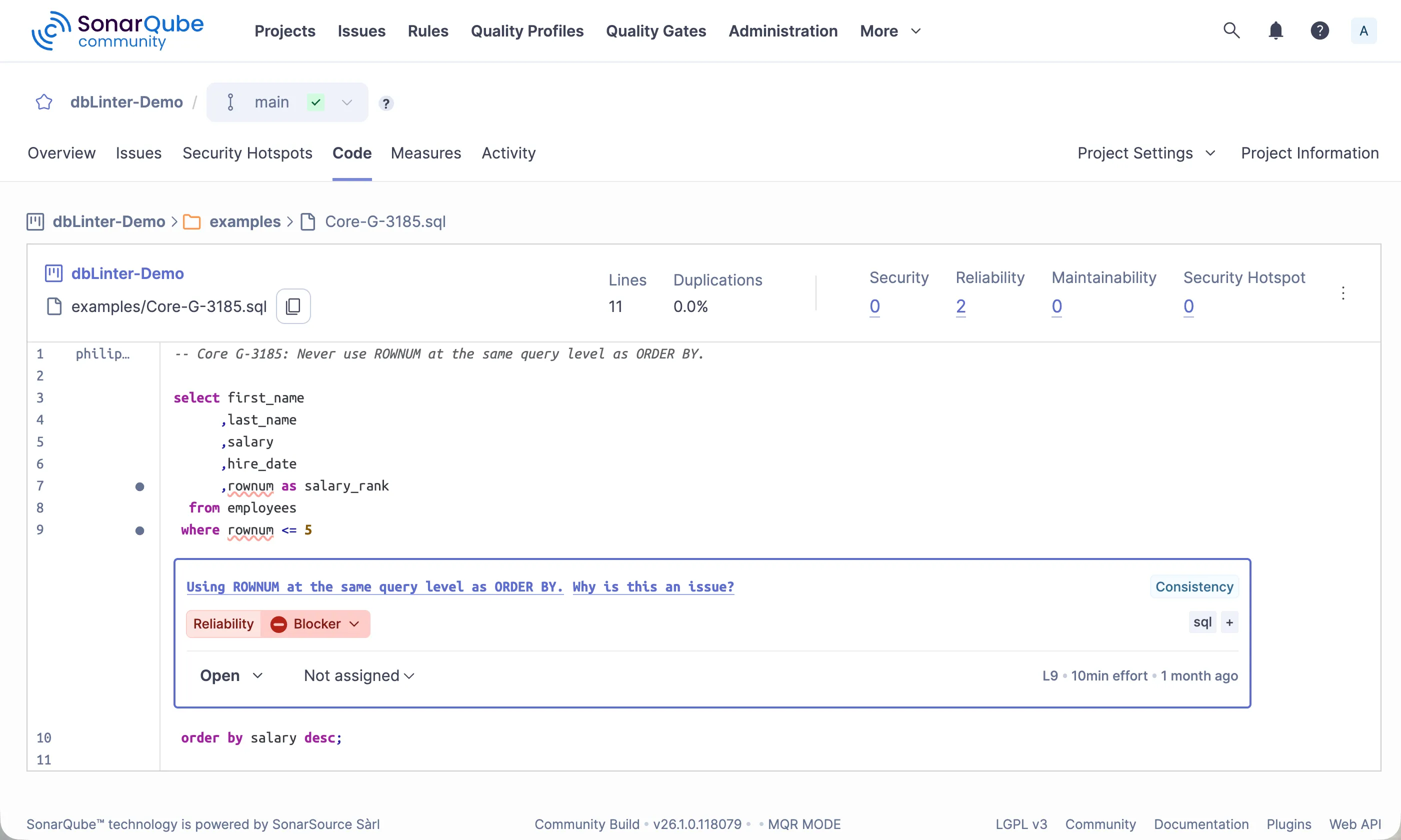
The dbLinter SonarQube plugin is used by the SonarQube Scanner to analyse code and show the results on the SonarQube Server web application.
The plugin can be installed in the free SonarQube Community Build as well as in any commercial self-managed SonarQube Server edition.
The minimal SonarQube version is 9.9 and the minimal JDK version is 17. See documentation for installing the SonarQube Community Build.
Releases of the dbLinter SonarQube plugin are published in the Releases section of the dbLinter GitHub repository.
Install/Update Plugin
Section titled “Install/Update Plugin”- Download
dblinter-sonarqube-x.y.z.jarfrom https://github.com/Grisselbav/dbLinter/releases - Copy
dblinter-sonarqube-x.y.z.jarto$SONARQUBE_HOME/extensions/downloads - Restart the SonarQube server
Install Custom Rules
Section titled “Install Custom Rules”The initial installation registered all Core rules. To register your custom rules, please follow these steps:
- Login as SonarQube Administrator
- Open Adminstration -> Configuration -> General Settings -> dbLinter
- Define
Tenant Name,User NameandAccess Token - Delete
dblinter-sonarqube-x.y.z.jarin$SONARQUBE_HOME/extensions - Restart the SonarQube server
- Copy
dblinter-sonarqube-x.y.z.jarto$SONARQUBE_HOME/extensions/downloads - Restart the SonarQube server
Update Rules
Section titled “Update Rules”Rules are only registered in SonarQube during plugin installation. To update the rules, you need to reinstall the plugin.
- Delete
dblinter-sonarqube-x.y.z.jarin$SONARQUBE_HOME/extensions - Restart the SonarQube server
- Copy
dblinter-sonarqube-x.y.z.jarto$SONARQUBE_HOME/extensions/downloads - Restart the SonarQube server
Use dbLinter as Secondary Plugin
Section titled “Use dbLinter as Secondary Plugin”By default, the dbLinter SonarQube plugin is registered as the primary plugin. This means that the plugin is solely responsible for analysing SQL, PL/SQL and PL/pgSQL code. However, if you want to use the ZPA plugin alongside dbLinter in the Community Build of SonarQube, or the built-in PL/SQL plugin in the Developer, Enterprise, or Data Center editions, you need to configure dbLinter as the secondary plugin.
- Login as SonarQube Administrator
- Open Adminstration -> Configuration -> dbLinter
- For the Community Build, set the
Language Keytoplsqlopenfor the ZPA plugin, or toplsqlfor the built-in PL/SQL plugin of commercial, self-managed editions of SonarQube. - Delete
dblinter-sonarqube-x.y.z.jarin$SONARQUBE_HOME/extensions - Restart the SonarQube server
- Copy
dblinter-sonarqube-x.y.z.jarto$SONARQUBE_HOME/extensions/downloads - Restart the SonarQube server
When dbLinter is configured as a secondary plug-in, the primary plug-in is responsible for calculating the following metrics:
- Lines of Code
- Number of Comment Lines
- Number of Statements
- Number of Functions
- Cyclomatic complexity
- Code highlighting support through registration of keywords, symbols, strings, numbers, preprocessor directives and comments
- Copy & paste detection support through registration of relevant (visible) tokens
- Test coverage support through registration of executable lines
dbLinter only registers rule violations as a secondary plugin.
Furthermore, it is important to note that the primary plugin is responsible for defining which file suffixes to process.
Example
Section titled “Example”