
CLI Integration
The CLI is bundled with the VS Code extensions.
The check and the test commands can be run directly from the UI, eliminating the need for manual input.
This feature is only available with an Essential
or Professional Subscription.
Activation
Section titled “Activation”The CLI integration is activated either when you run a check or when you open the dbLinter view container.
Clicking on the dbLinter symbol

in the activity bar opens the dbLinter view container. COMMAND LINE is the second view in this container.

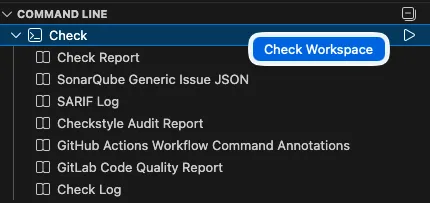
To check all the files in the workspace, right-click on Check in the view and select Check Workspace.
Alternatively, click the run button to the right of the top-level entry Check.
This action opens a terminal window and runs the check command inside it.
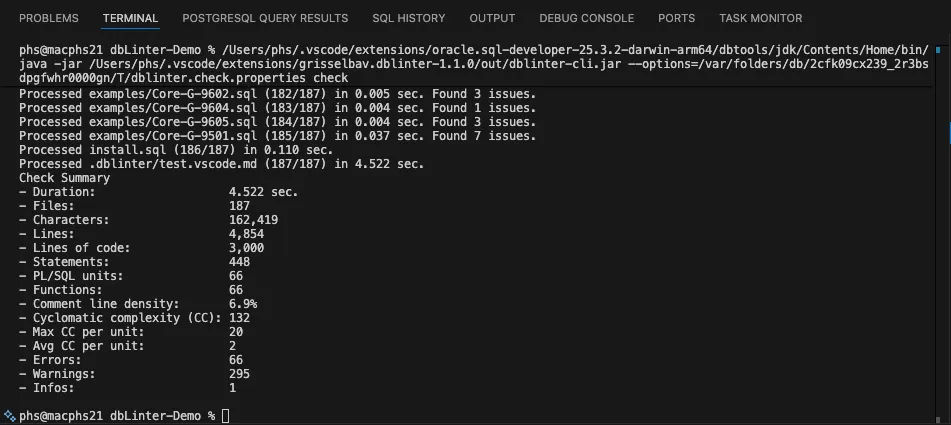
Once the check command has been completed, the Check Report is opened.

The following outputs are produced and accessible in the Command Line view.
| Output Name | File Name in .dblinter | Description |
|---|---|---|
| Check Report | check.vscode.md | dbLinter Check Report as Markdown. |
| SonarQube Generic Issue JSON | check.sonarqube.json | SonarQube Generic formatted issue report to import issues in any SonarQube edition without any plugin. |
| SARIF Log | check.sarif.sarif | Static Analysis Results Interchange Format (SARIF) to visualise issues in various tools. See also Viewers. |
| Checkstyle Audit Report | check.checkstyle.xml | Checkstyle XML report. |
| GitHub Actions Workflow Command Annotations | check.github.txt | Workflow commands for GitHub Actions. These commands (annotations) are interpreted when printed to stdout. |
| GitLab Code Quality Report | check.gitlab.json | GitLab quality report. |
| Check Log | check.log | The dbLinter log file. |
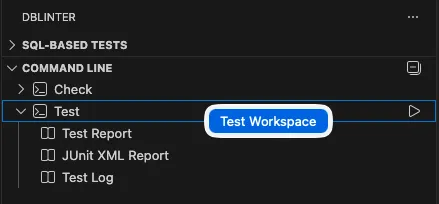
To run all SQL-based tests, right-click on Test in the view and select Test Workspace.
This action opens a terminal window and runs the test command inside it.
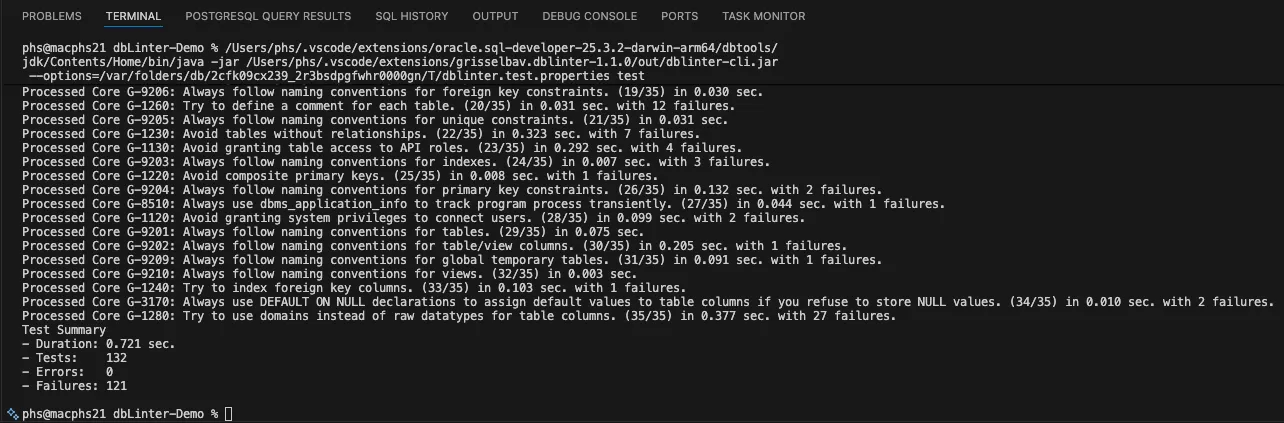
Once the test command has been completed, the Test Report is opened.
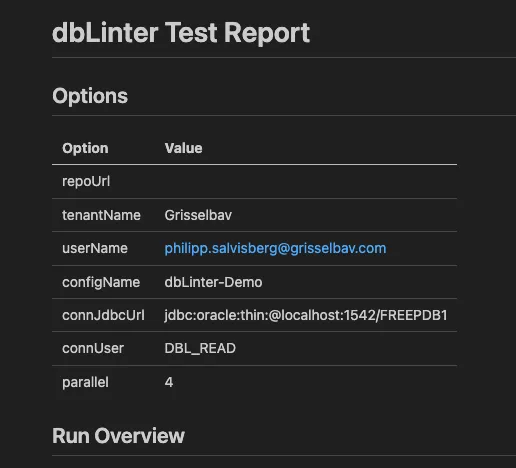
The following outputs are produced and accessible in the Command Line view.
| Output Name | File Name in .dblinter | Description |
|---|---|---|
| Test Report | test.vscode.md | dbLinter Test Report as Markdown. |
| JUnit XML Report | test.junit.xml | JUnit XML Report. |
| Test Log | test.log | The dbLinter log file. |